macOS
Available nowDownload from the Mac App Store and it's live in your menu bar in seconds.
Download on the Mac App Store
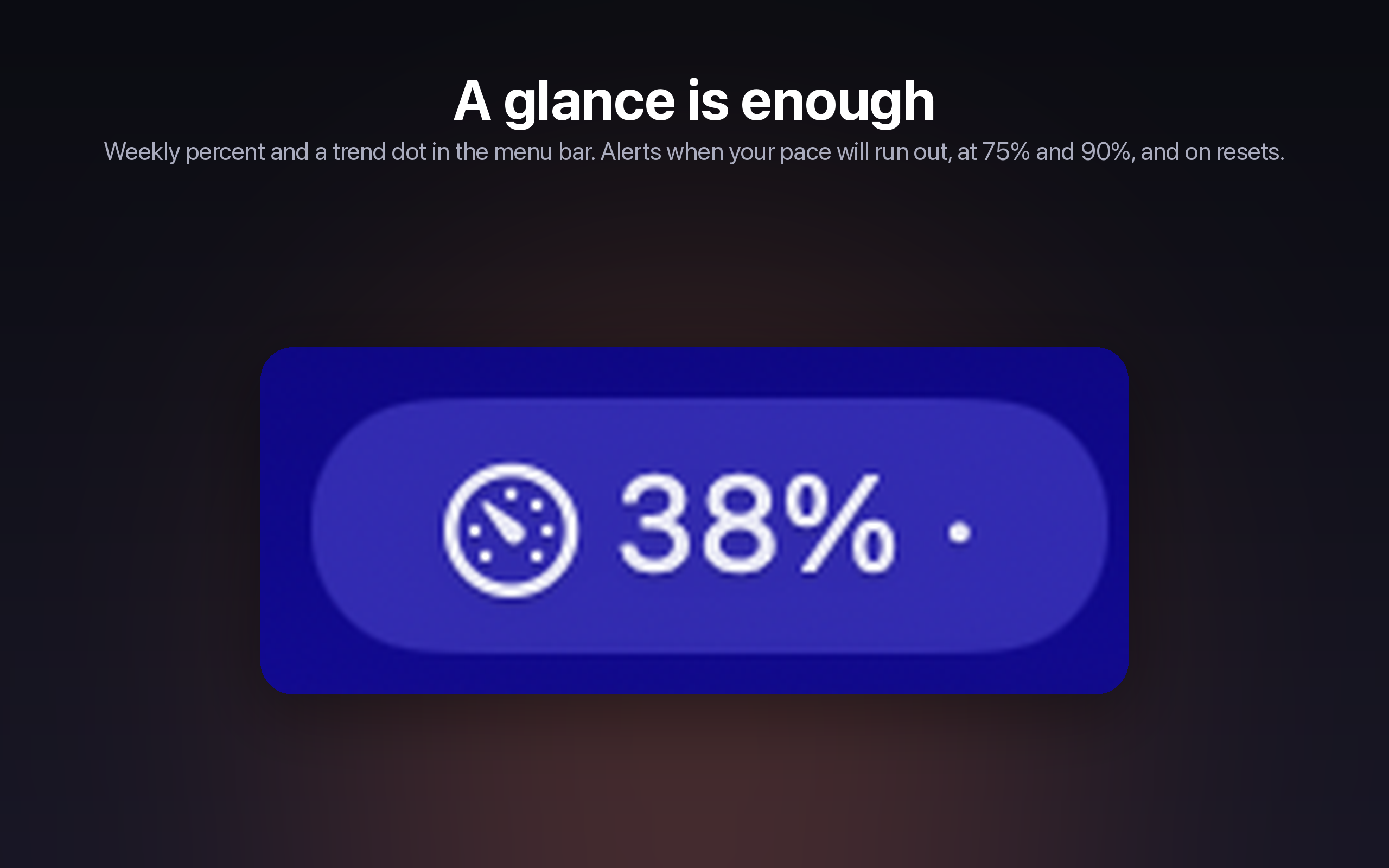
Weekly, 5-hour, and per-model percentages — updating quietly next to your clock. Know your pace before you hit a wall, not after.
Free · On the Mac App Store · Reads your existing Claude sign-in
Everything you need to know, before you're stuck mid-task.
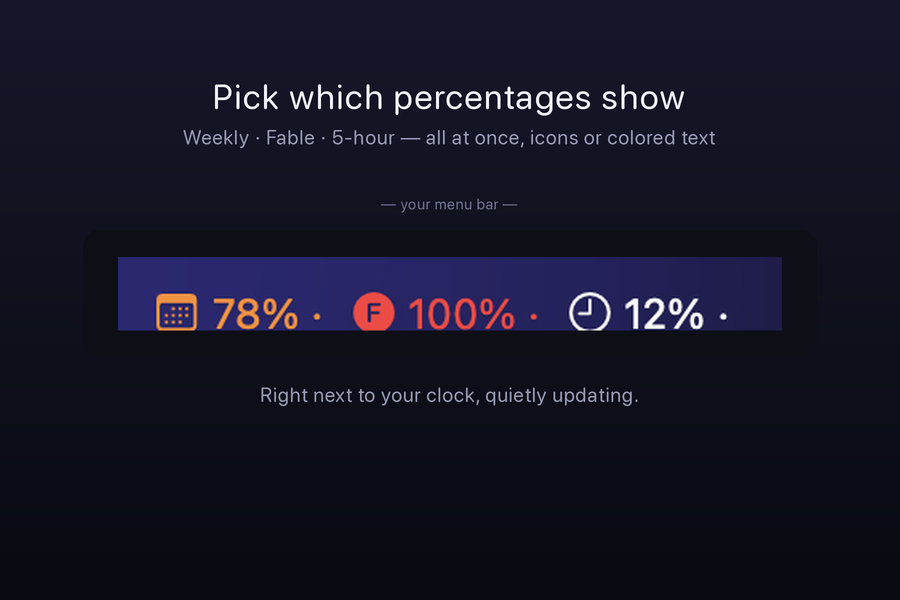
Show your weekly limit, your rolling 5-hour limit, a specific model like Fable — or all three at once. Color-coded text keeps it readable at a glance, no icon-squinting required.
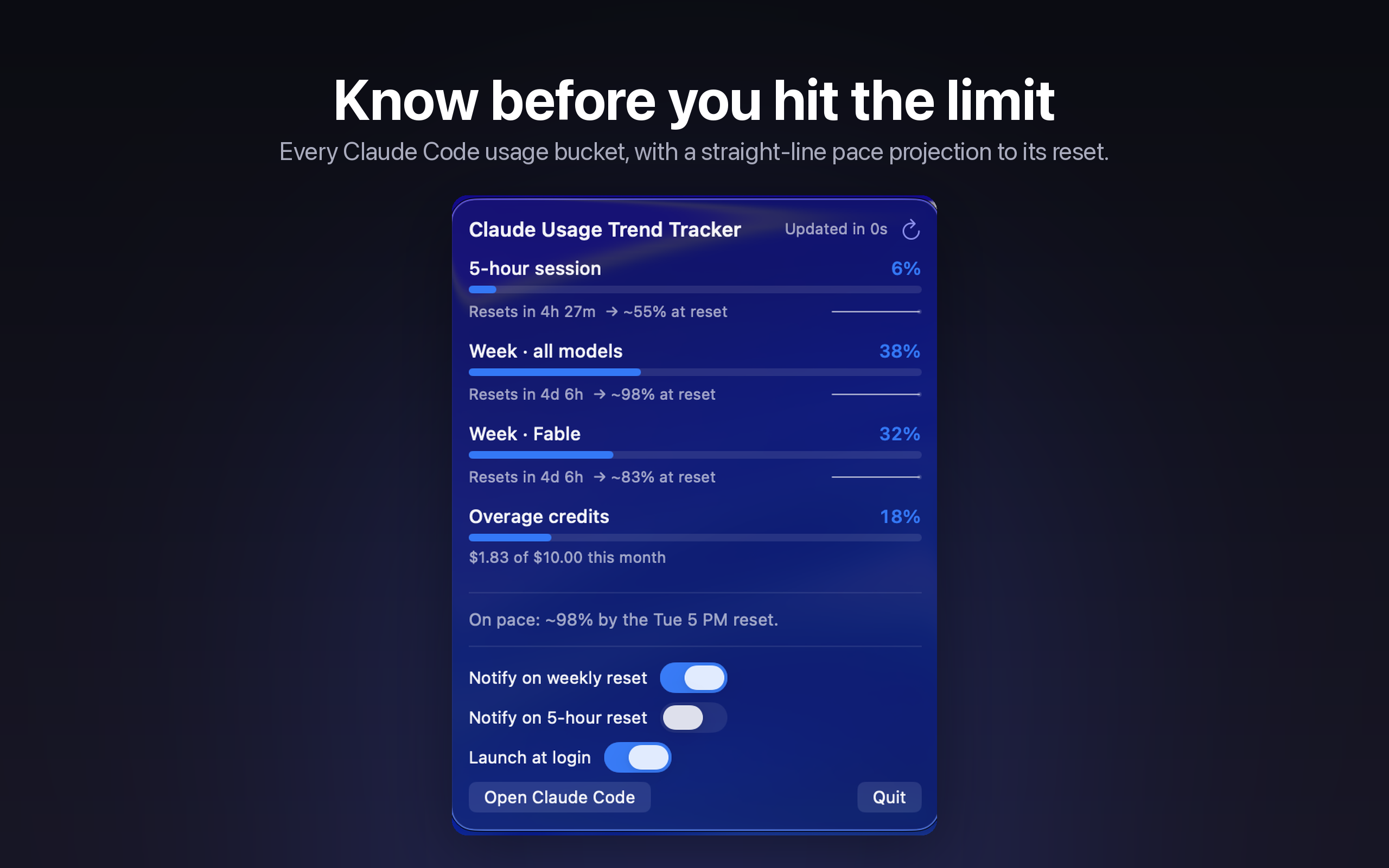
Usage percentage alone doesn't tell you much — 70% used with three days left is fine, 70% used with three hours left is not. Usage Trend Tracker watches your burn rate and projects whether you're on track.
Set a threshold — say, 85% — and get a native notification the moment you cross it. Another one lands the instant your limit resets, so you know exactly when you're clear to keep going.
Track every Claude account you use — personal, work, a client's — and switch between them from the same menu-bar popover. Each account keeps its own thresholds and history.
Reads your existing Claude sign-in on-device and talks only to Anthropic. No third-party server sees your usage.
Built for macOS, top to bottom — a real menu-bar app, not a wrapped web page.
Follows your system appearance automatically.
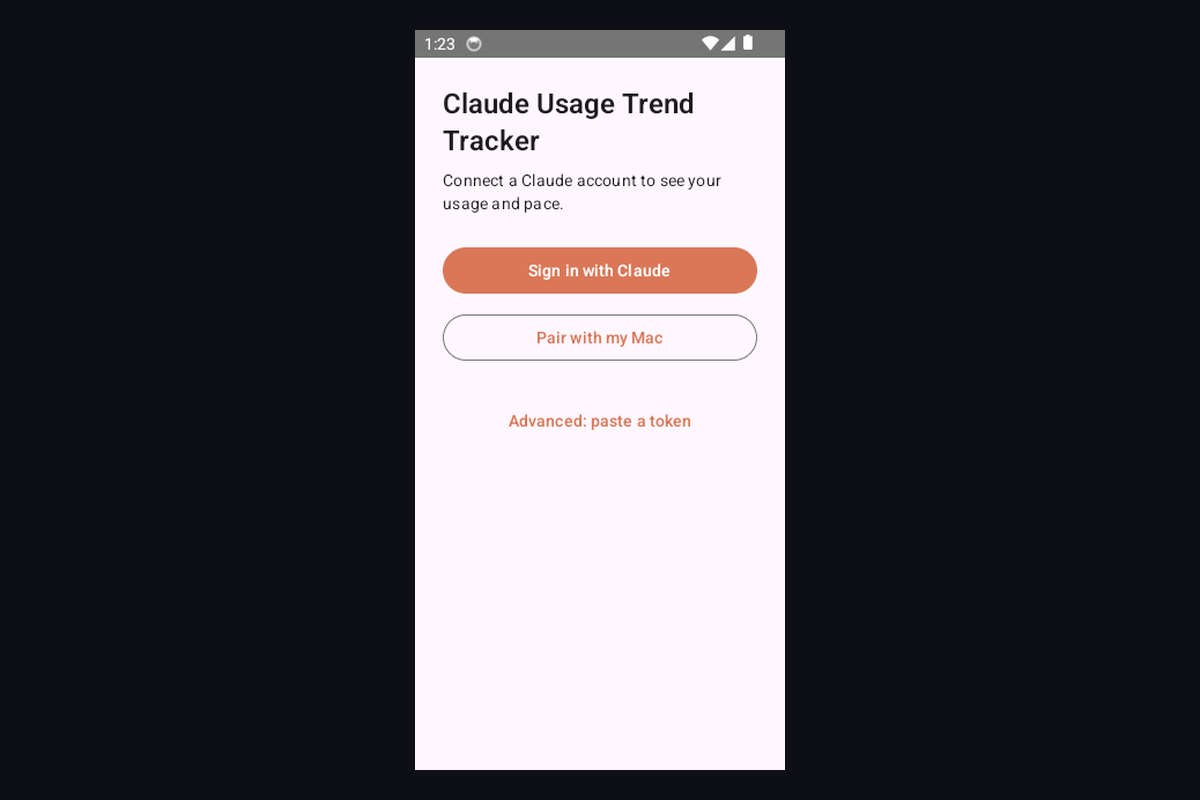
One account, tracked everywhere you check it.
Download from the Mac App Store and it's live in your menu bar in seconds.
Download on the Mac App Store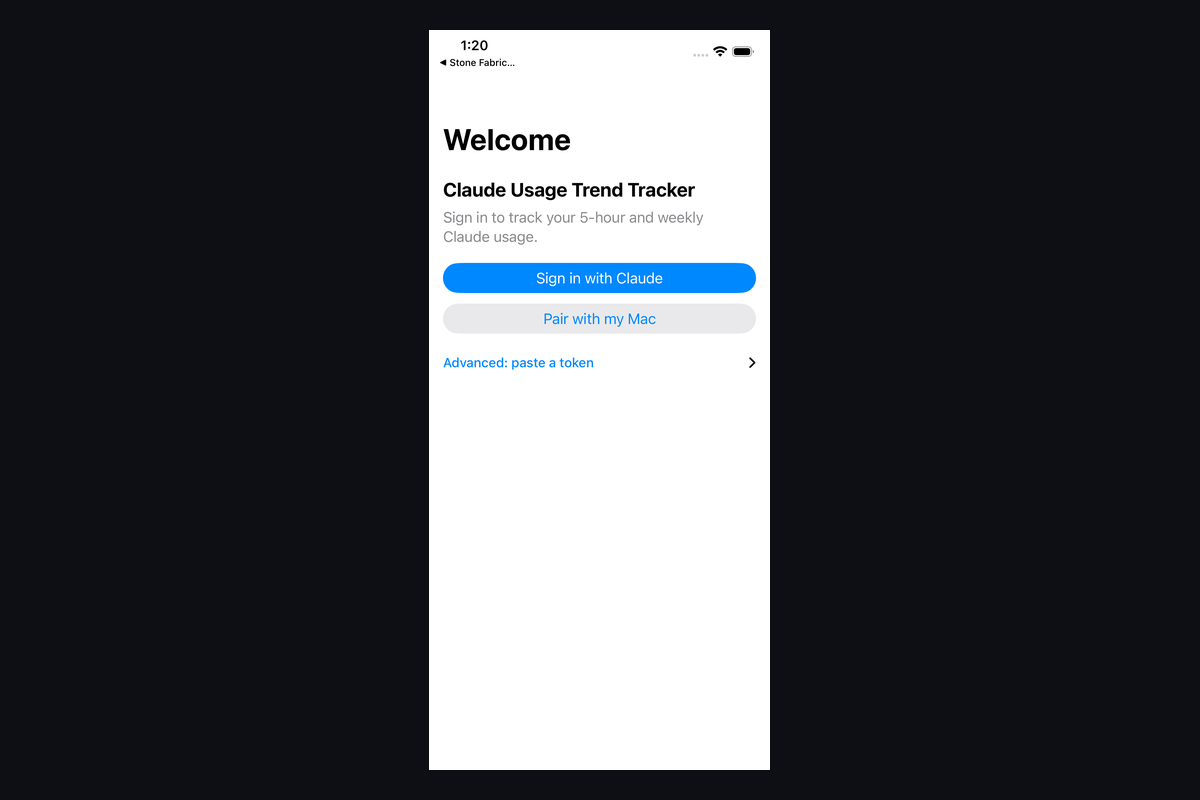
Free on the Mac App Store. Live in your menu bar in under a minute.
Free · macOS · Private & local